
Home › Other Useful Products › Bulk SMS - Mobile Text Messaging › Screenshots
Bulk SMS - Mobile Text Messaging Screenshots
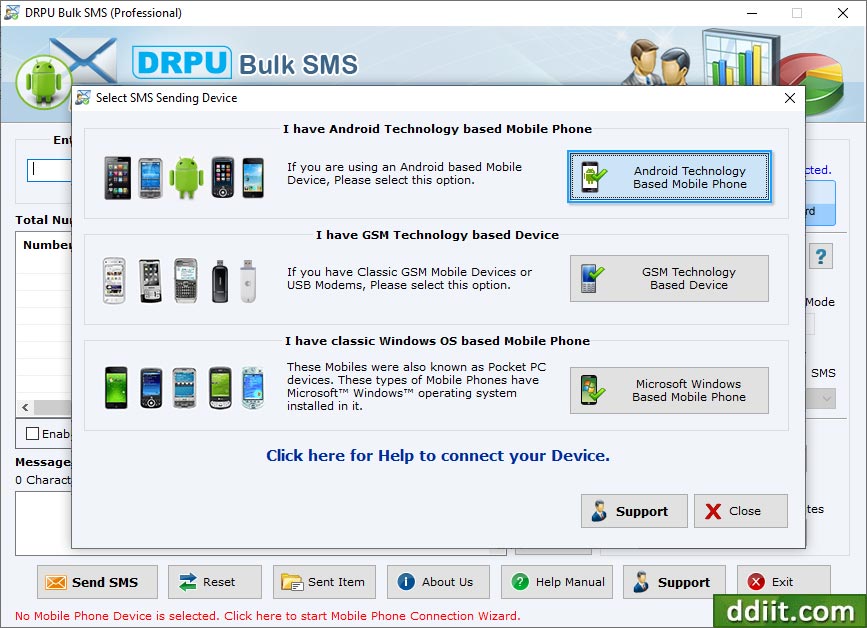
Select your mobile device type for sending bulk SMS. Here, we have selected 'GSM Technology Based Mobile Phone'.
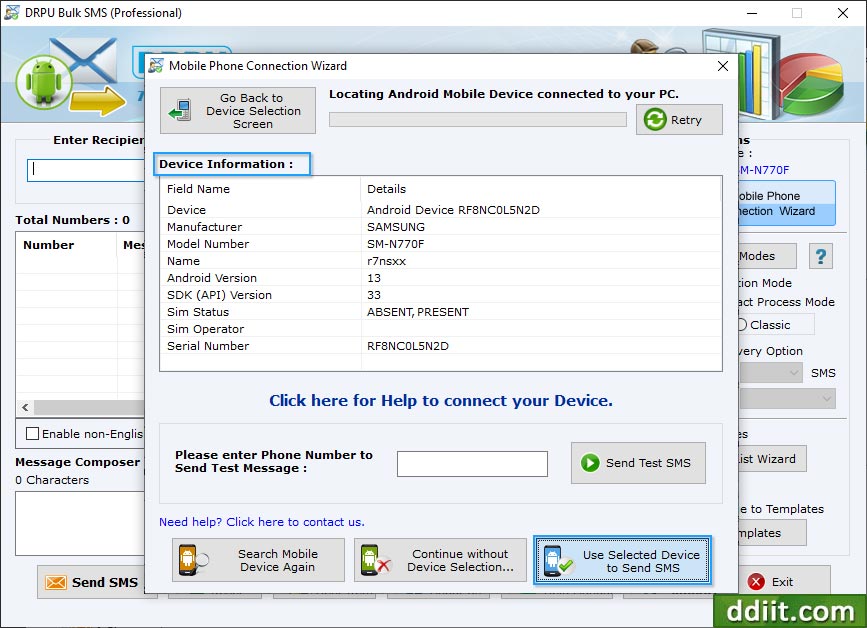
Select your mobile device device information and use selected device SMS messages.
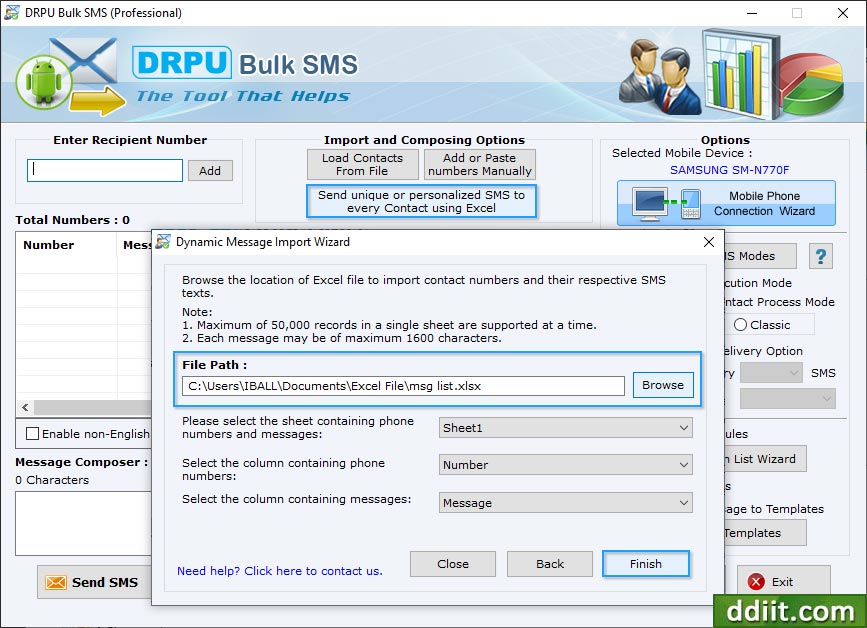
Browse the path of Excel file containing contact numbers and their respective messages. Select excel sheet, columns containing phone numbers and column containing messages then click 'Finish' button
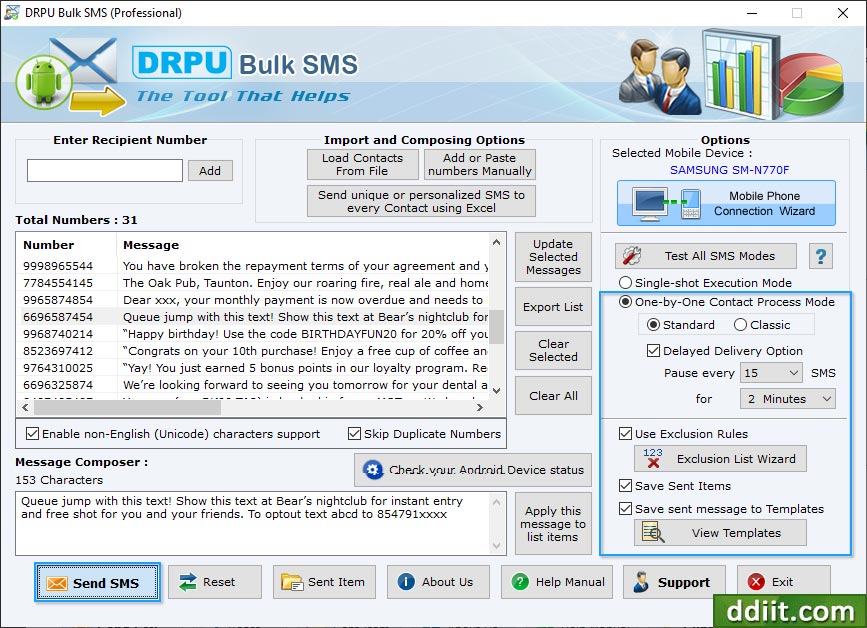
To send personalized SMS to every contact using excel file, click "Send unique or personalized SMS to every Contact using Excel" then choose any one option among "Import Numbers and their respective messages from Excel File" and "On the basis of Excel file contents, create personalized Dynamic messages".
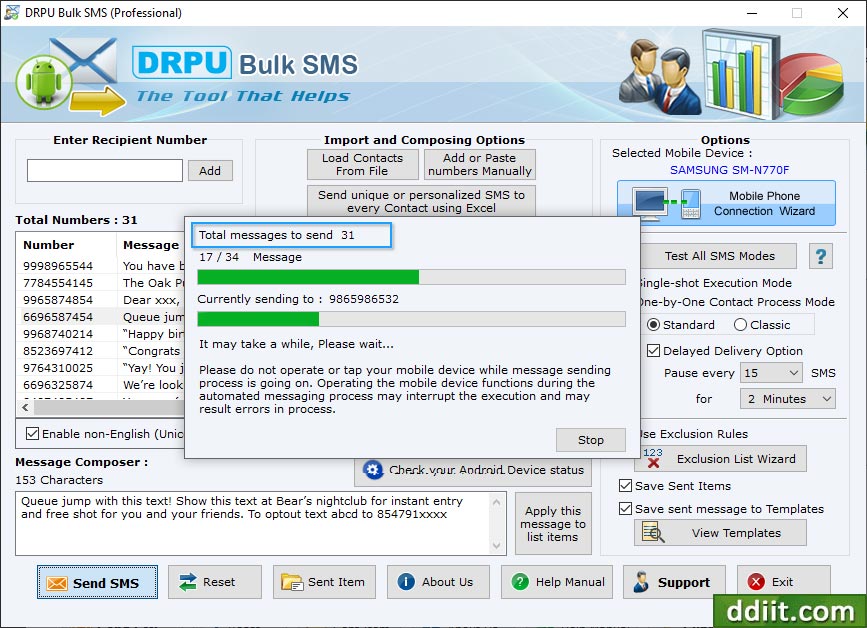
SMS Sending Process is going on.
- ➔ Memory Stick Data Recovery Software
- ➔ Memory Card Data Recovery
- ➔ DDR Professional – Data Recovery
- ➔ DDR Android Data Recovery
- ➔ DDR Mobile Phone Data Recovery
- ➔ Removable Media Data Recovery
- ➔ FAT Data Recovery
- ➔ NTFS Data Recovery
- ➔ Digital Camera Data Recovery
- ➔ Digital Pictures Recovery
- ➔ Sim Card Data Recovery
- ➔ iPod Data Recovery